





Virtual meetings fail for predictable reasons. People join late, speak without structure, multitask, and leave without decisions. The result is wasted time and unclear ownership. Fixing this does not require new tools. It requires disciplined etiquette applied before, during, and after every meeting.
Start with this: every virtual meeting must have a defined outcome, controlled participation, and clear next steps. Without these three, the meeting is unnecessary. This article focuses on eliminating common friction points with precise actions you can apply immediately.
Now that the core issue is clear, the next step is understanding how to prevent it before the meeting even starts.

Pre-Meeting Etiquette: Where Most Problems Begin
Most meeting issues are created before the call starts. Fix this stage, and half the problems disappear.
Define Purpose Before Scheduling
Do not schedule a meeting without a decision or output in mind.
If the goal is “update,” use async tools instead.
If the goal is “decision,” define what needs approval.
A simple rule: one meeting = one objective.
This leads directly to the next mistake—lack of structure.
Send a Structured Agenda
An agenda is not optional. It controls time and attention.
Include:
- Topics with time limits (e.g., 5 min, 10 min)
- Assigned speakers
- Expected outcome per section
Without this, discussions drift. With it, meetings stay focused.
Once structure is set, execution depends on technology.
Run a Quick Tech Check
Audio issues reduce credibility instantly.
Check:
- Microphone clarity (no echo or noise)
- Stable internet (minimum 5–10 Mbps)
- Camera framing and lighting
Have a backup plan like mobile data.
Small preparation prevents visible disruption.
Now that the setup is correct, the way you join the meeting becomes the first signal of professionalism.
Joining the Meeting: First Impressions Set the Tone
Joining behavior shapes how others perceive your reliability.
Join 3–5 Minutes Early
Late entry breaks flow. Early presence allows adjustment.
Use this time to:
- Test audio
- Review agenda
- Prepare first input
Next comes identity clarity, which many ignore.
Use a Clear Name and Profile
Avoid nicknames or device names.
Use format:
Full Name – Role or Company
A clear identity reduces confusion, especially in large calls.
After identity, visual presence matters.
Camera Position and Background
Keep the camera at eye level.
Face a light source, not a bright window.
Background should be:
- Neutral
- Distraction-free
This is not about aesthetics. It reduces cognitive load for others.
With a strong start, behavior during the meeting determines effectiveness.
In-Meeting Behavior That Signals Professionalism
Meetings fail when participation is uncontrolled. These rules fix that.
Mute Discipline
Stay muted when not speaking.
Unmute only when:
- You are contributing
- You are responding directly
Background noise reduces clarity and wastes time.
This connects to the next issue—interruptions.
Speaking Without Interrupting
Use structured turn-taking.
Options:
- Raise hand feature
- Chat signal (“I have a point”)
- Wait for a pause
Interruptions reduce idea quality and create friction.
Now consider visibility.
Camera Etiquette
Keep the camera on during:
- Team discussions
- Client meetings
- Small group decisions
Turn it off only when:
- Bandwidth is limited
- The meeting is presentation-only
Visible engagement increases attention levels.
This brings us to a silent productivity killer.
Multitasking
People think it is hidden. It is not.
Signals include:
- Delayed responses
- Repeated questions
- Lack of eye focus
A study by Harvard Business Review shows multitasking reduces productivity by up to 40%.
Stay present. It directly improves contribution quality.
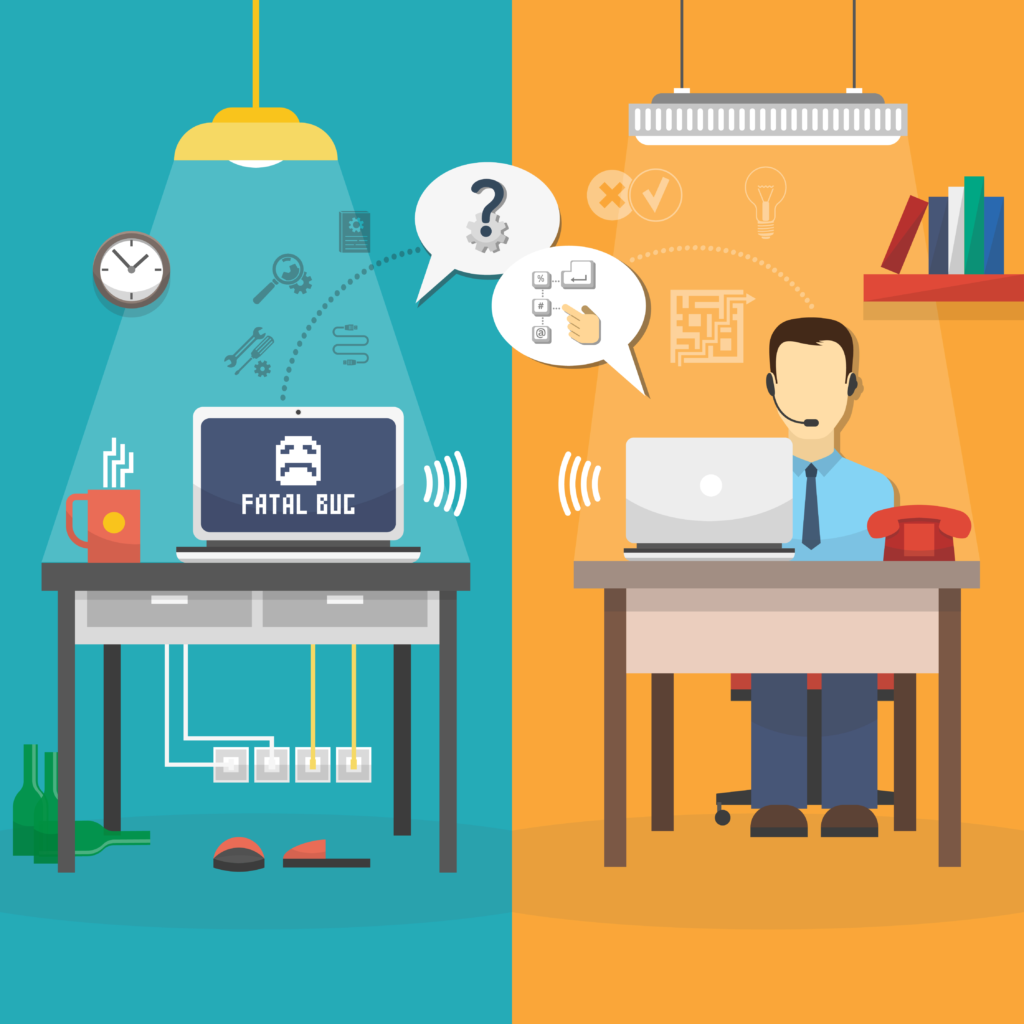
Communication Clarity: Keep It Short and Structured
Long explanations reduce clarity. Structured communication improves decisions.
Use the 30–60 Second Rule
Keep responses within one minute.
Structure:
- Point
- Brief context
- Action or suggestion
This keeps discussions moving.
Next, use chat intentionally.
Use Chat Strategically
Use chat for:
- Links
- Short clarifications
- Questions without interruption
Avoid side conversations. They distract participants.
Now, screen sharing needs control.
Screen Sharing Etiquette
Share only what is needed.
Before sharing:
- Close irrelevant tabs
- Disable notifications
- Select specific window
This protects focus and professionalism.
Role-Based Etiquette: Clear Responsibilities
Different roles require different behavior.
For Hosts
- Start and end on time
- Control speaking order
- Keep discussion aligned with agenda
If someone dominates, redirect politely.
For Participants
- Contribute when relevant
- Avoid repeating points
- Respect time limits
Silence is acceptable if there is no value to add.
For Presenters
- Change slides every 30–60 seconds
- Ask questions every 3–5 minutes
- Avoid reading slides
Engagement prevents drop-off.
Common Mistakes and Practical Fixes
- Joining late without acknowledgment
→ Say a brief apology and catch up silently - Talking over others
→ Pause and let the current speaker finish - Poor audio quality
→ Use headphones or an external mic - No clear outcome
→ Summarize decisions before ending
Each fix is simple but effective.
Global and Cultural Considerations
Virtual teams often span regions.
Key points:
- Respect time zones when scheduling
- Avoid overly direct language in mixed cultures
- Allow pauses—silence can mean thinking, not disengagement
For a deeper understanding of communication styles, refer to
Cross-cultural communication.
Post-Meeting Etiquette: Where Results Are Defined
Most meetings fail after they end.
Define Action Items Clearly
Every task must include:
- Owner
- Deadline
- Expected output
Avoid vague statements like “we’ll follow up.”
Share Notes or Recording
Send a summary within 24 hours.
Include:
- Key decisions
- Action items
- Deadlines
This improves accountability.
Follow-Up Discipline
Track progress.
Do not wait for the next meeting.
Consistency builds reliability.
Quick Virtual Meeting Checklist
Before:
- Clear objective
- Agenda shared
- Tech tested
During:
- Stay muted when needed
- Speak concisely
- Stay engaged
After:
- Define actions
- Share summary
- Follow up
Conclusion
Virtual meeting etiquette is not about formality. It is about efficiency. Clear structure, disciplined behavior, and consistent follow-up turn meetings into decision-making tools instead of time-consuming routines.
Apply these rules in your next meeting. The improvement will be visible immediately—in clarity, speed, and outcomes.





[…] The key takeaway is simple: delayed updates and poor monitoring are the biggest risks right now. This article focuses on what is actively happening, how to check your site, and what to fix immediately. […]
[…] Execution matters more than planning. […]