
WordPress security incidents are not slowing down. In the past year, over 90% of known WordPress vulnerabilities came from plugins and themes, not the core system. That means most risks are inside tools you install daily.
Recent security reports show thousands of sites compromised weekly due to outdated plugins, weak authentication, and unpatched flaws. Many of these attacks are automated, scanning millions of sites in hours.
The key takeaway is simple: delayed updates and poor monitoring are the biggest risks right now. This article focuses on what is actively happening, how to check your site, and what to fix immediately.
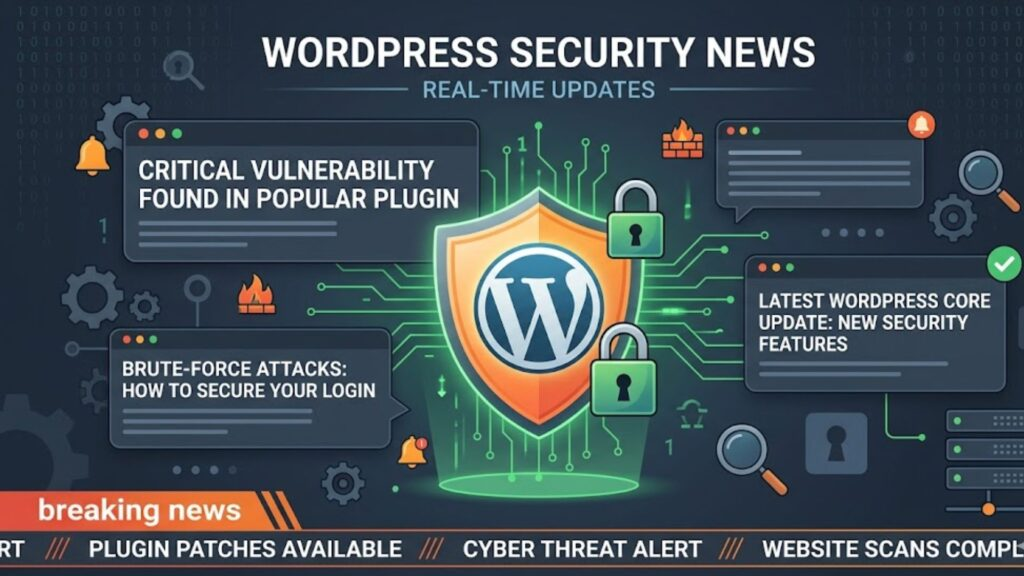
What’s Happening Right Now (Latest WordPress Security News)
Security researchers are continuously disclosing new vulnerabilities. Many are patched quickly, but exploitation often starts within days.
Recent patterns show:
- Vulnerabilities in popular plugins with 100,000+ active installs
- Attackers exploiting bugs within 48–72 hours after disclosure
- Increase in automated bot attacks targeting login pages
This leads directly to the next concern: knowing which vulnerabilities matter most.
Critical Vulnerabilities You Should Check Immediately
Not all vulnerabilities are equally dangerous. Focus on those with:
- High CVSS scores (7.0–10.0)
- Public exploit availability
- Active attack reports
The real risk is impact:
- Admin account takeover
- Malware injection
- SEO spam pages
A quick check:
- Log into your dashboard
- Review plugins with pending updates
- Cross-check with vulnerability databases
If you skip this step, you risk being exposed without knowing it.
Exploits Actively Targeting WordPress Sites
Attackers are not guessing. They follow patterns.
Common current attack types include:
- Brute force login attempts
- Cross-site scripting (XSS)
- SQL injection
- Remote code execution (RCE)
These are not theoretical. Bots scan sites continuously.
Here’s a simple breakdown:
Many attacks succeed because site owners ignore small warnings. That leads us to core updates.
Recent WordPress Core Security Updates
The WordPress core team regularly patches vulnerabilities. You can review technical details on <a href=”https://en.wikipedia.org/wiki/WordPress”>WordPress on Wikipedia</a>.
Recent updates focused on:
- Input validation improvements
- REST API security fixes
- Authentication hardening
Ignoring updates increases risk exposure. But updates can break sites if handled poorly, which is why process matters.
Plugin & Theme Security Incidents (Real Cases)
Most real-world incidents involve plugins.
Examples of recent issues:
- File upload vulnerabilities allowing malware injection
- Broken access control leading to admin escalation
- Malicious updates in abandoned plugins
A major concern is plugin abandonment. Thousands of plugins are no longer maintained but still widely used.
If your site depends on such plugins, the risk increases over time.
How to Verify If Your Site Is at Risk (Quick Audit)
You don’t need complex tools to start.
Run this quick audit:
- Check for outdated plugins and themes
- Review admin users and remove unknown accounts
- Scan files for recent modifications
- Verify file permissions
Warning signs:
- Unknown admin users
- Sudden traffic spikes
- Unrecognized pages in search results
If you find any of these, move to immediate fixes.
Immediate Fixes You Can Apply Today
Start with the highest impact actions:
- Update all plugins and themes
- Remove unused plugins
- Enable two-factor authentication
- Change admin credentials
- Install a Web Application Firewall (WAF)
Always take a backup before making changes.
Skipping backups turns small mistakes into major problems.
Preventive Security Practices That Actually Work
Prevention reduces workload over time.
Focus on:
- Least privilege access (no unnecessary admin roles)
- Automatic updates for minor releases
- Disable XML-RPC if unused
- Limit login attempts
Hosting also matters. Managed WordPress hosting often includes built-in security layers.
Best Tools to Monitor WordPress Security News
Staying updated is critical.
Useful sources:
- WPScan vulnerability database
- Patchstack alerts
- Security newsletters
- Developer changelogs
The goal is filtering signal from noise. Not every alert requires action.
Common Mistakes That Lead to Hacks
Most breaches are avoidable.
Frequent mistakes:
- Using nulled themes or plugins
- Ignoring update notifications
- No backup system
- Weak passwords
These issues compound over time, increasing risk.
What to Do If Your Site Gets Hacked
Act quickly and methodically:
- Take the site offline if needed
- Identify the entry point
- Remove malicious files
- Restore from a clean backup
- Update everything
If the infection is severe, use professional cleanup services.
Future Trends in WordPress Security (2026 and Beyond)
Security is evolving.
Key trends:
- AI-driven automated attacks
- Increased targeting of plugin ecosystems
- Growth of managed security services
This means passive security is no longer enough.
Quick Weekly Security Checklist (Action Plan)
A simple routine keeps risks low:
Weekly (5–10 minutes):
- Check updates
- Review user accounts
- Scan for vulnerabilities
Monthly:
- Full backup test
- Deep security scan
- Plugin audit
Consistency matters more than complexity.
Final Takeaway
WordPress security is not about reacting to hacks. It’s about reducing exposure before attackers find you.
Most risks come from:
- Outdated components
- Poor access control
- Lack of monitoring
Fixing these areas protects your site against the majority of real-world threats.
If you follow the steps outlined here, you reduce both risk and recovery time significantly.