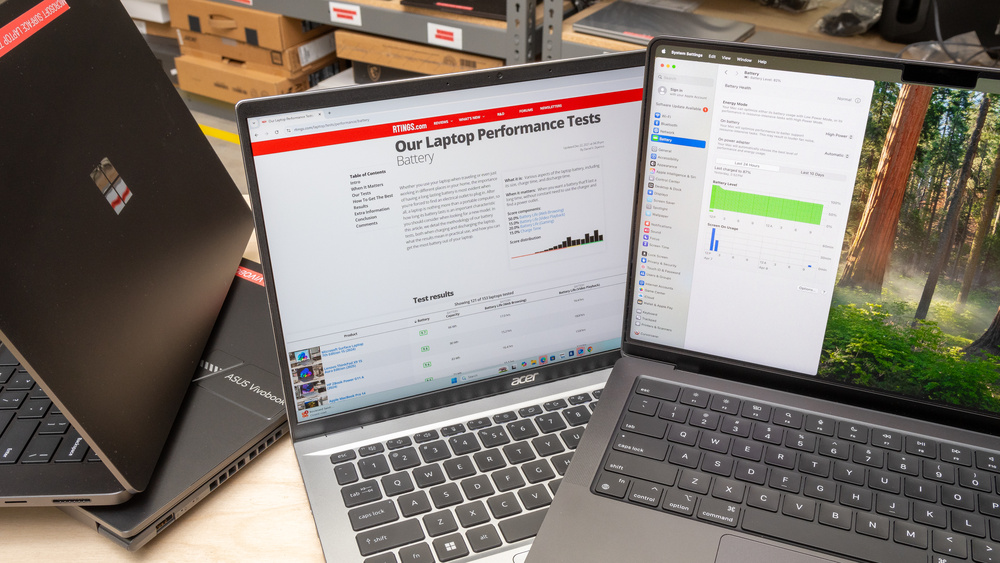

If your computer is lagging under heavy workloads, you need hardware that guarantees smooth multitasking and zero freezing. A truly fast laptop handles dozens of browser tabs, high-resolution video editing, and complex software simultaneously without breaking a sweat.
Here is the bottom line on the absolute fastest laptops available right now:
- Fastest Overall: Apple MacBook Pro 16-inch (M4 Pro / M5 Max) – Unmatched benchmark scores and battery efficiency.
- Top Windows Ultraportable: Dell XPS 14 (Core Ultra / Snapdragon X) – Peak portability with 17+ hours of battery life.
- Best Budget Speed: Lenovo IdeaPad Slim 5 – Prioritizes essential speed (Ryzen 7, 16GB RAM) over expensive chassis materials.
Now that you know the top contenders, finding the right machine requires matching specific hardware to your daily workflow.
What Actually Makes a Laptop “Fast”? (Avoiding the Bottleneck Trap)
Buying an expensive processor is useless if you pair it with slow storage or insufficient memory. True speed comes from a balanced system where no single component chokes the others.
The CPU (Processor)
The processor acts as the brain of your computer. In 2026, you should look for specific architectures like Intel Core Ultra Series 2, AMD Ryzen AI 300 series, or Apple’s M4 and M5 chips. Core count directly impacts your ability to multitask. A modern chip with 12 to 16 cores will easily juggle background video rendering while you handle video calls and spreadsheets.
Memory (RAM)
RAM dictates how many applications you can keep open before the system slows down. Right now, 16GB of DDR5 RAM is the absolute baseline for a fast laptop. If you buy a machine with 8GB, you will experience browser lag the moment you open more than a few tabs. Consider upgrading to 32GB only if you edit 4K video or manage massive datasets.
Storage (NVMe SSDs)
Traditional hard drives (HDDs) are completely obsolete. A modern laptop must have an NVMe Solid-state drive (SSD) to boot up quickly and load applications instantly. The newest PCIe Gen 4 and Gen 5 SSDs can transfer data at speeds up to 14,000 megabytes per second. This completely eliminates loading screens and file transfer delays.
The Best Fast Laptops by Use Case (2026 Lab-Tested Picks)
Hardware requirements change drastically depending on what you do every day. A machine built for heavy gaming uses entirely different components than one built for business travel.
1. Fastest Overall & Best for Creators: Apple MacBook Pro 16-inch
The Apple MacBook Pro, equipped with the newer M4 Pro or M5 Max chip, consistently tops processing benchmark tests.
- Why it’s fast: It delivers unmatched single and multi-core processing speeds. Unlike Windows laptops, it maintains its maximum speed even when unplugged from the wall charger.
- Who it’s for: Professional video editors, software developers, and power users who need workstation-level performance on the go.
2. Fastest Windows Ultraportable: Dell XPS 14
Dell redesigned the XPS 14 to house the newest Intel Core Ultra processors and Qualcomm Snapdragon X Elite chips.
- Why it’s fast: It balances extreme speed with incredible battery efficiency. You get a machine that handles heavy office software while providing over 17 hours of battery life.
- Who it’s for: Business professionals and frequent travelers. You get the speed you need without lugging around a heavy, annoying charger.
3. Fastest for Heavy Gaming: Lenovo Legion Pro 7i
Gaming demands dedicated graphics processing that thin-and-light laptops simply cannot provide.
- Why it’s fast: This model pairs a high-wattage Intel Core Ultra 9 processor with a massive Nvidia RTX 4080 or 5080 graphics card. This combination pushes high frame rates in the most demanding 3D games.
- Who it’s for: Hardcore gamers and 3D animators who prioritize raw graphical rendering power over battery life.
4. Best Fast Laptop on a Budget: Lenovo IdeaPad Slim 5
You do not need to spend over $2,000 to get a snappy, responsive computer for daily tasks.
- Why it’s fast: The IdeaPad Slim maximizes your speed-per-dollar ratio. It uses mid-tier processors like the AMD Ryzen 7 combined with a fast SSD and 16GB of RAM, cutting costs on the chassis instead of the internals.
- Who it’s for: Students and everyday home office users who need quick boot times and smooth web browsing.
Buyer Beware: Are You Buying the Wrong Kind of “Fast”?
Many buyers waste money on high-end specs that actually perform worse in real-world scenarios. Understanding these pitfalls will save you from a very frustrating purchase.
The Thermal Throttling Trap
Cramming a top-tier Core i9 processor into a paper-thin laptop chassis is usually a terrible idea. These powerful chips generate massive amounts of heat. When the cooling system cannot keep up, the processor automatically slows itself down to prevent damage. This means a thinner laptop with an i9 chip might actually run slower than a slightly thicker laptop with a cheaper i5 chip.
Raw Speed vs. Battery Life
There is always a trade-off between massive graphical power and battery longevity. Laptops with dedicated gaming GPUs will easily drain their battery in just two to three hours. If you need speed that lasts all day, ARM-based chips like Apple Silicon or the Snapdragon X Elite are the only viable options.
How to Make Your Current Laptop Faster (Before You Buy)
Before you spend money on a brand-new machine, you might be able to revive your current laptop. A few simple tweaks can dramatically improve an older computer’s speed.
Hardware Solutions
Open your Task Manager (or Activity Monitor on Mac) to see what is slowing you down. If your memory usage is constantly at 90%, you just need a RAM upgrade. Bumping an older laptop from 8GB to 16GB of RAM is often an affordable, instant fix for multitasking lag. Similarly, swapping an old mechanical hard drive for a modern SSD will make the computer feel brand new.
Software Solutions
Software clutter heavily degrades laptop performance over time. Start by disabling heavy applications from launching automatically when your computer boots up. Next, remove unnecessary OEM bloatware like pre-installed antivirus trials that constantly run in the background. Finally, audit your browser extensions, as having too many active plugins will drastically slow down your web browsing.
Frequently Asked Questions
What processor speed (GHz) is considered fast for a laptop?
Clock speeds can be misleading. A modern 2026 processor running at 3.8 GHz will easily outperform a five-year-old chip running at 5.0 GHz. Focus on the generation of the processor rather than just the gigahertz.
Does more storage make a laptop run faster?
Having a larger drive does not inherently increase speed. However, upgrading from a traditional hard drive (HDD) to a Solid State Drive (SSD) will drastically improve your laptop’s boot times and application loading speeds.
Is an Intel Core i5 or AMD Ryzen 5 fast enough for everyday use?
Yes. For web browsing, video streaming, and office work, an Intel Core Ultra 5 or AMD Ryzen 5 provides more than enough speed. You only need to upgrade to an i7, i9, or Ryzen 9 if you are rendering high-resolution video, compiling complex code, or playing top-tier games.